
Preparing an On-Site IT Support Visit: A Checklist for Office Managers
Start with the work that cannot continue
An effective on-site IT support visit starts with a short description of the business task that is blocked. Explain what staff were trying to do, which devices are involved and who can demonstrate the issue. You do not need to diagnose a server or choose replacement equipment before asking for help.
This guide is a preparation checklist for a Johor Bahru office, not an emergency-response promise or a set of instructions for changing a live network. INSPUR TECH provides computer repair and on-site support; scope, location, availability and charges must be agreed for the actual request.

Write an impact statement that someone can verify
Replace “the office system is down” with a concrete statement such as “two sales desks cannot open the shared order folder, while the accounts desk can.” This is an illustrative description, not a customer case. Include when it started and whether the same task worked earlier.
Separate observed facts from guesses. A connection error is an observation; “the server is broken” is a conclusion that needs evidence. Note any recent move, device replacement or account change without assuming it caused the problem.
Choose a site contact and prepare access
Name someone who knows the affected workflow and can explain what a correct result looks like. Confirm building access, the relevant work area and a suitable time for investigation. Where several people approve different systems, identify those owners before the visit.
Record device models and visible error messages. Keep passwords, recovery keys, customer records and mailbox contents out of a shared preparation document. If privileged access is necessary, agree a secure method and the authorised person who will provide it.
Agree permission to investigate and to change
Inspection, configuration changes, parts replacement and data migration are different scopes. Ask what can be checked initially and what needs a separate quotation or approval. Explain whether a restart could interrupt other staff, a shared application or an ongoing batch job.
Do not unplug unknown rack cables or reset the router to make the visit easier. Preserving the current state and recording the impact can be more useful than attempting an unplanned change.
Define a small acceptance checklist
Agree which original tasks should be tested after work: opening a specific non-sensitive file, printing a sample or accessing the required application. Record what was checked and any work that remains. A successful sample does not certify the whole office network.
Before requesting a visit, send the device type, affected task and general location to INSPUR TECH. Confirm arrangements directly. The checklist below can keep that first conversation focused without exposing business credentials.
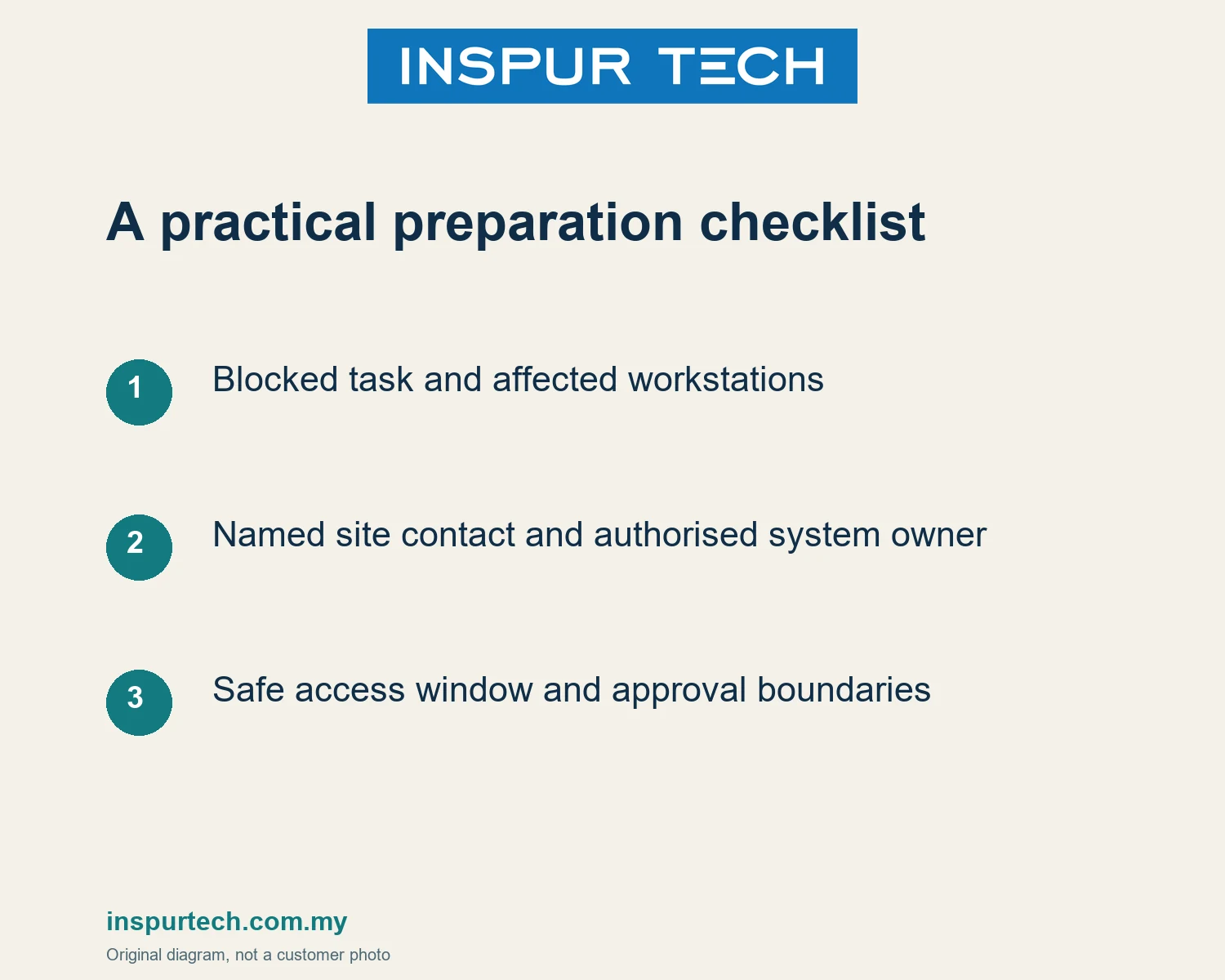
Preparation checklist
- Blocked task and affected workstations
- Named site contact and authorised system owner
- Safe access window and approval boundaries
Discuss the next step
INSPUR TECH SDN. BHD. provides computer repair and business IT support in Johor Bahru. For a scoped enquiry, contact WhatsApp +60 11-1098 6863. Share the task and device or product type first; do not send passwords, payroll records or private customer files in a public message.
Related INSPUR TECH service:
https://inspurtech.com.my/pc-repair-jb/
References and scope
https://inspurtech.com.my/pc-repair-jb/
https://inspurtech.com.my/network-wiring/
Source review: 18 October 2026. Preparation sequences and examples are original editorial guidance, not customer cases, software tests or a promise of results. Images are original illustrative diagrams. Recheck product and commercial conditions before publication; exact menu paths, statutory advice, price and response-time commitments are outside this article.