
Microsoft 365 for a Small Business: Questions to Ask Before Accepting a Quote
Compare the entitlement, not just the account count
Before accepting a Microsoft 365 quotation, ask for the exact product, required services and licence entitlement. “One account” does not tell you whether installed desktop applications, a business mailbox or another service is included. Match the quote to the work your team needs to do.
This guide is a buying-preparation checklist. It does not recommend one plan for every business or advertise an unqualified per-user price. Microsoft’s support guidance explicitly distinguishes licences and subscriptions that include desktop applications from those that do not.

Write a short needs list for each role
List the number of people and the devices they use, then describe the required work. Some staff need to read and edit documents in a browser; others may require installed applications or a company mailbox. Identify any existing files, mail or applications that would need migration.
Do not assume that every feature described on a product family page belongs to the quoted SKU. Ask the supplier to connect each requirement to the actual product offered and identify exclusions.
Make ownership and administration explicit
Ask how the account and any company tenant will be controlled, who will hold administrative responsibility and how the company can obtain support. Name the business owner who approves changes and manages staff arrivals or departures.
Keep credentials out of quotation emails or public documents. The purpose of this ownership record is accountability, not sharing passwords. If the proposed arrangement is unclear, resolve that before deployment.
Check the commercial and migration scope
Clarify the subscription term, renewal process, billing basis and what support is included. Ask whether initial setup, mailbox migration, device installation or staff assistance are separate work items. Confirm tax and other charges in the actual quotation.
A low headline figure is not enough information to compare two offers. Use the same requirement list for both so that missing services become visible. Avoid treating an unspecified licence as equivalent to another plan.
Review the delivered result against the brief
After an authorised deployment, check that the intended users can access the agreed services and that the company knows its support route. Record outstanding tasks, including migration checks or handover documents. A sign-in screen alone does not verify every entitlement.
INSPUR TECH can discuss Microsoft 365 requirements and business IT support. Share the user count and the required applications first; the actual product, licence, account arrangement and commercial terms must be confirmed before ordering.
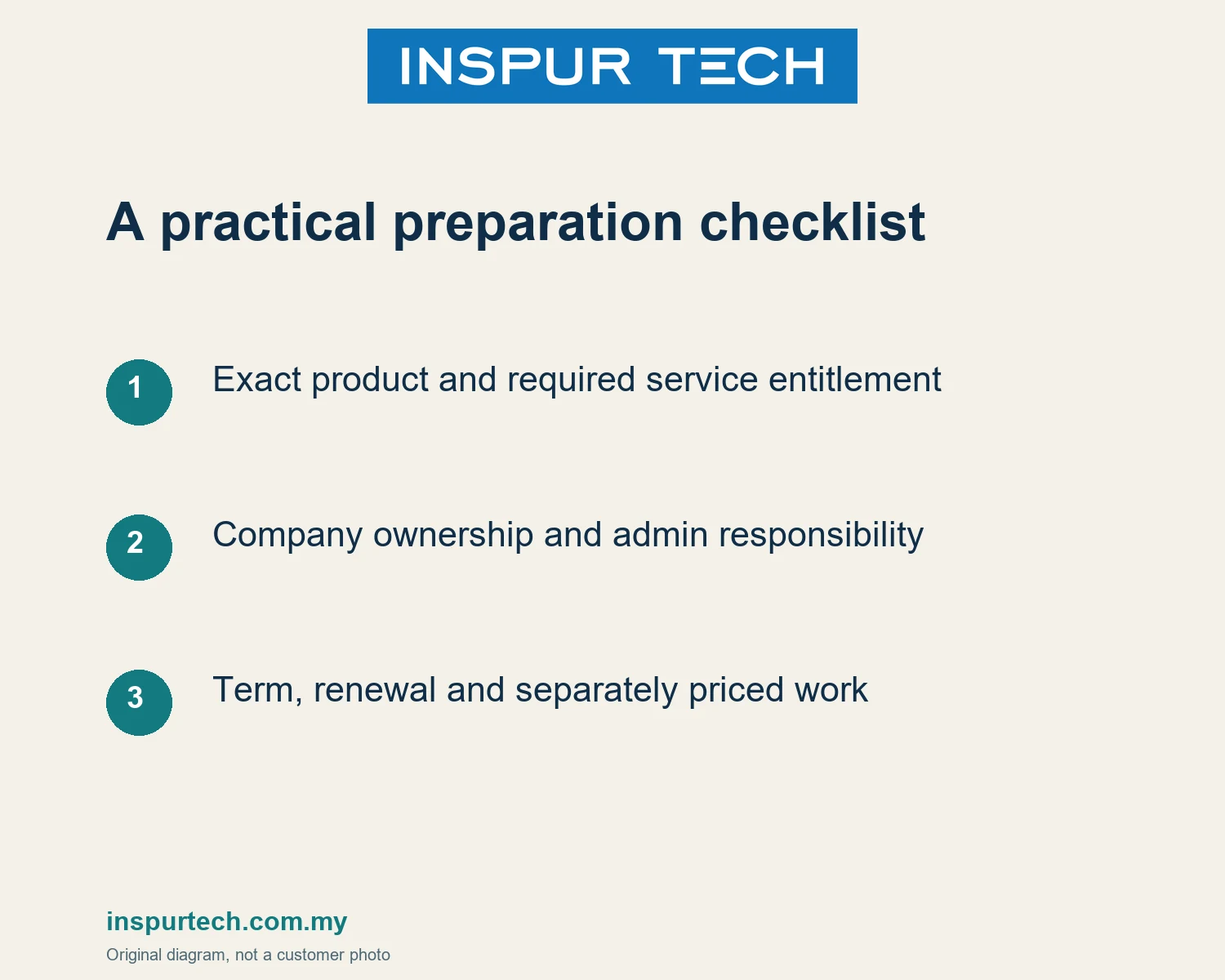
Preparation checklist
- Exact product and required service entitlement
- Company ownership and admin responsibility
- Term, renewal and separately priced work
Discuss the next step
INSPUR TECH SDN. BHD. provides computer repair and business IT support in Johor Bahru. For a scoped enquiry, contact WhatsApp +60 11-1098 6863. Share the task and device or product type first; do not send passwords, payroll records or private customer files in a public message.
Related INSPUR TECH service:
https://inspurtech.com.my/pc-repair-jb/
References and scope
Source review: 18 October 2026. Preparation sequences and examples are original editorial guidance, not customer cases, software tests or a promise of results. Images are original illustrative diagrams. Recheck product and commercial conditions before publication; exact menu paths, statutory advice, price and response-time commitments are outside this article.