
Payroll Input Handover: A Checklist for Attendance, Changes and Approval
Agree the authoritative input before the software step
A payroll input handover should identify the pay period, employee identifiers, approved changes and the person responsible for sign-off. Agree that input set before asking how to import or process it in software. A technically accepted file is not proof that the payroll figures are correct.
This is an operational preparation guide, not individual tax, employment or statutory contribution advice. It gives no rates or filing deadlines. SQL Payroll and AutoCount products, versions, modules and import entitlements must be checked separately.

Label the month and the version
Put the intended payroll month and a clear version reference on the input pack. State who supplied attendance, who provided changes and who approved the set for processing. If a replacement arrives, record what it supersedes rather than leaving two apparently final files.
Keep the approval record distinct from a software export timestamp. A file can be newly exported while containing an old or unapproved decision. The business owner of the inputs should resolve that difference.
Keep each input category traceable
Separate attendance observations, pay changes, allowances and deductions in the working brief. Define the employee identifier used to link records, without sending identity documents or full employee lists to a public support channel.
Record unresolved items explicitly. An ambiguous blank should not silently become a zero or an assumption about entitlement. The authorised payroll owner should determine the correct treatment and obtain specialist advice where necessary.
Prepare a controlled sample for software support
For a suspected import issue, first describe the product, build, deployment and module. Use sanitised sample rows that preserve the relevant structure. Ask which template and field mapping apply to that exact environment; do not assume a generic attendance spreadsheet can be imported unchanged.
A sample check should compare intended inputs with the resulting records in an approved test context. Do not repeatedly import into a live payroll run merely to see what happens. Production permissions and change approval remain with the authorised administrator.
Define the handover and review owners
Name the person who prepares the input, the person who checks it and the person who approves the business result. Keep unresolved items and correction responsibility visible. File receipt, successful import and final payroll approval are separate events.
INSPUR TECH can discuss SQL or AutoCount support requirements using the product details and a sanitised description. The payroll owner remains responsible for approving data and statutory treatment. Confirm the applicable software workflow and support scope before sharing sensitive records.
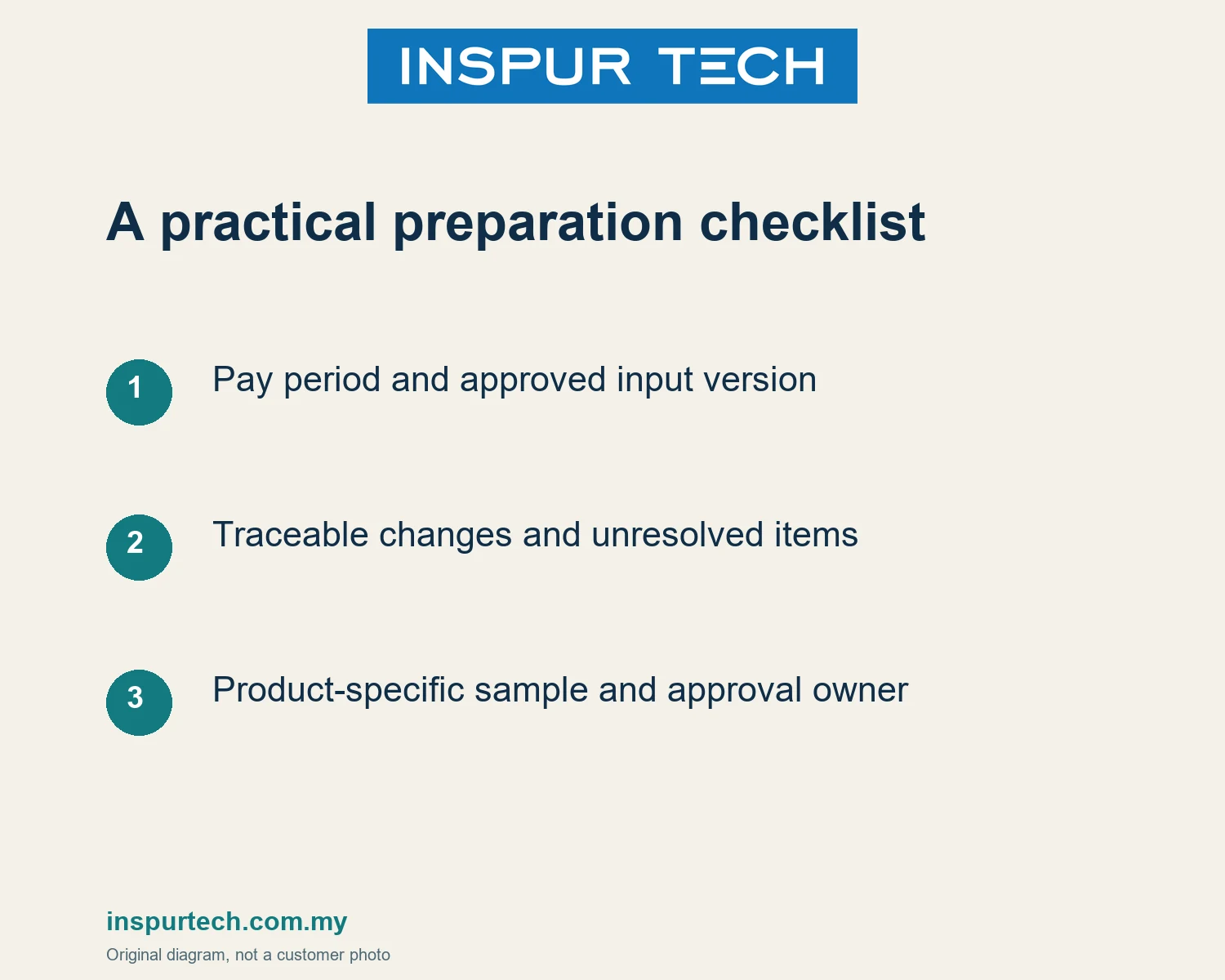
Preparation checklist
- Pay period and approved input version
- Traceable changes and unresolved items
- Product-specific sample and approval owner
Discuss the next step
INSPUR TECH SDN. BHD. provides computer repair and business IT support in Johor Bahru. For a scoped enquiry, contact WhatsApp +60 11-1098 6863. Share the task and device or product type first; do not send passwords, payroll records or private customer files in a public message.
Related INSPUR TECH service:
https://inspurtech.com.my/accounting-software/
References and scope
https://docs.sql.com.my/sqlpay/usage/payroll
https://autocount.freshdesk.com/support/home
Source review: 18 October 2026. Preparation sequences and examples are original editorial guidance, not customer cases, software tests or a promise of results. Images are original illustrative diagrams. Recheck product and commercial conditions before publication; exact menu paths, statutory advice, price and response-time commitments are outside this article.