
How to Prepare an AutoCount Support Request Without Sending Your Whole Accounts Database
A clear request starts with the failed task
An AutoCount support request should identify the product and deployment, the action that failed and the result you expected. Start with a small description and a sanitised example. Sending an entire accounts database is not the default first step.
This article explains how to prepare a support brief. It does not prescribe a universal menu path, certify plugin compatibility or give tax advice. AutoCount desktop products, Cloud products, releases and licensed modules must be distinguished.

Record the product and environment
Write down whether the issue concerns Accounting, Payroll or another product, and whether the environment is desktop or Cloud. Include the version or build available to the authorised user, the relevant module and any plugin involved. Do not substitute a Windows version for the application version.
Also explain whether one user or several users see the problem. A report that differs for one login and a document that fails for everyone deserve different follow-up questions; neither observation alone proves the cause.
Describe expected and actual results separately
Use three short statements: what you selected, what appeared and what you expected. For a report question, name the report and the agreed reporting period. For a document question, identify the document type without publishing customer names or financial values.
Where a screenshot is useful, remove confidential information first and preserve the visible error text. A screenshot with no explanation can leave the support person guessing about both the task and the business expectation.
Treat a plugin as a distinct dependency
Record the plugin name, its supplier if known and the task it performs. Explain whether the problem also occurs in the standard workflow. Do not disable production plugins, alter accounts data or install an update simply to complete the support brief.
A proposed plugin change needs its own scope: affected fields, a sample input, the expected output and an approval owner. Availability of an integration concept does not establish that a particular version can use it.
Agree secure access and acceptance
If closer investigation needs a backup or remote access, agree the authorised contact, secure transfer route and data scope before sharing. Keep passwords and customer records out of public comments and group messages.
Finally, identify who can approve the business result. Technical support can examine software behaviour, while accounting treatment and statutory submissions need the appropriate business or professional approval. INSPUR TECH can discuss AutoCount support and plugin requirements against the actual installation; compatibility, work scope and pricing remain subject to assessment.
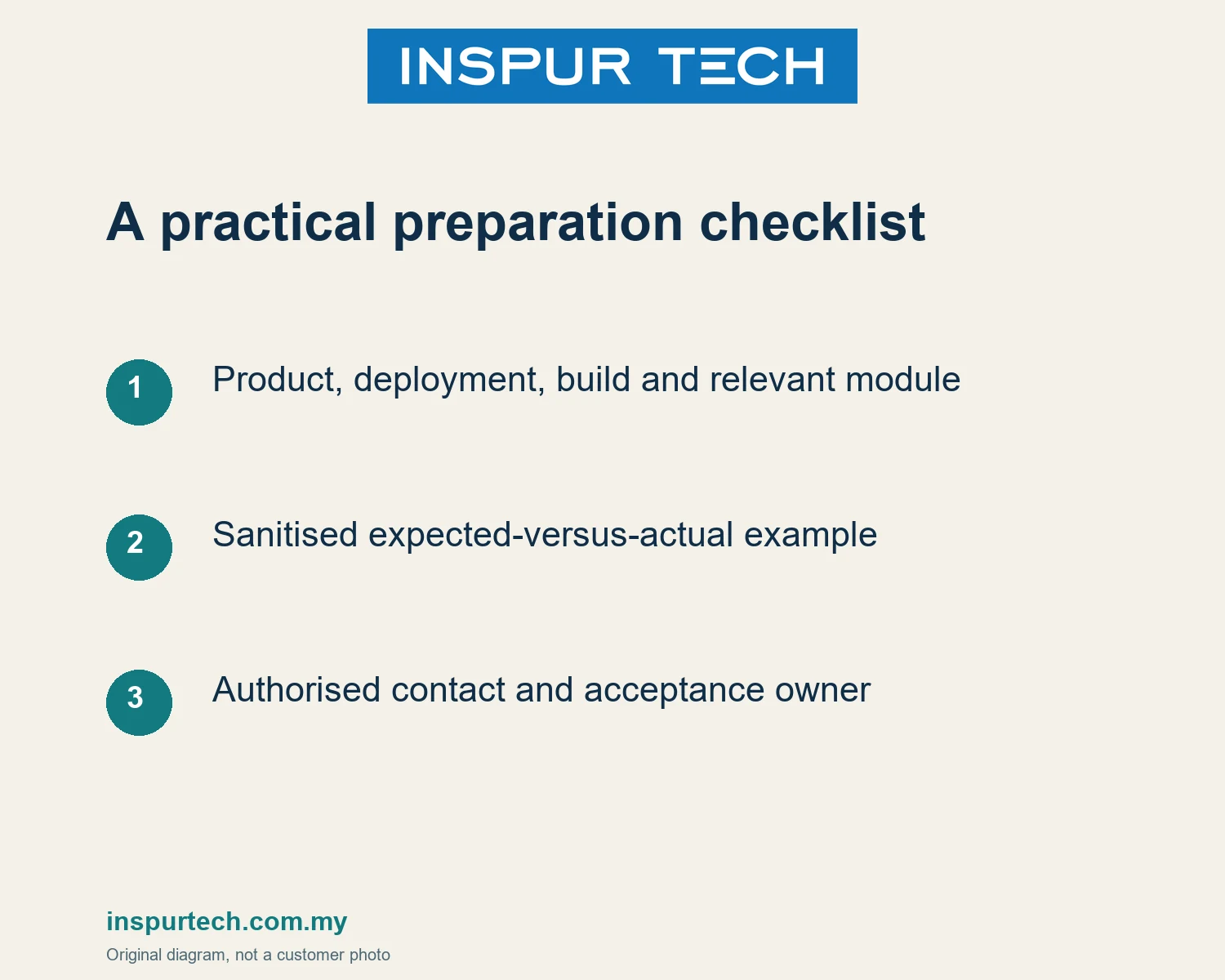
Preparation checklist
- Product, deployment, build and relevant module
- Sanitised expected-versus-actual example
- Authorised contact and acceptance owner
Discuss the next step
INSPUR TECH SDN. BHD. provides computer repair and business IT support in Johor Bahru. For a scoped enquiry, contact WhatsApp +60 11-1098 6863. Share the task and device or product type first; do not send passwords, payroll records or private customer files in a public message.
Related INSPUR TECH service:
https://inspurtech.com.my/accounting-software/
References and scope
https://autocount.freshdesk.com/support/home
https://inspurtech.com.my/accounting-software/
Source review: 18 October 2026. Preparation sequences and examples are original editorial guidance, not customer cases, software tests or a promise of results. Images are original illustrative diagrams. Recheck product and commercial conditions before publication; exact menu paths, statutory advice, price and response-time commitments are outside this article.